 Free & open source
Notes for today, ready for tomorrow.
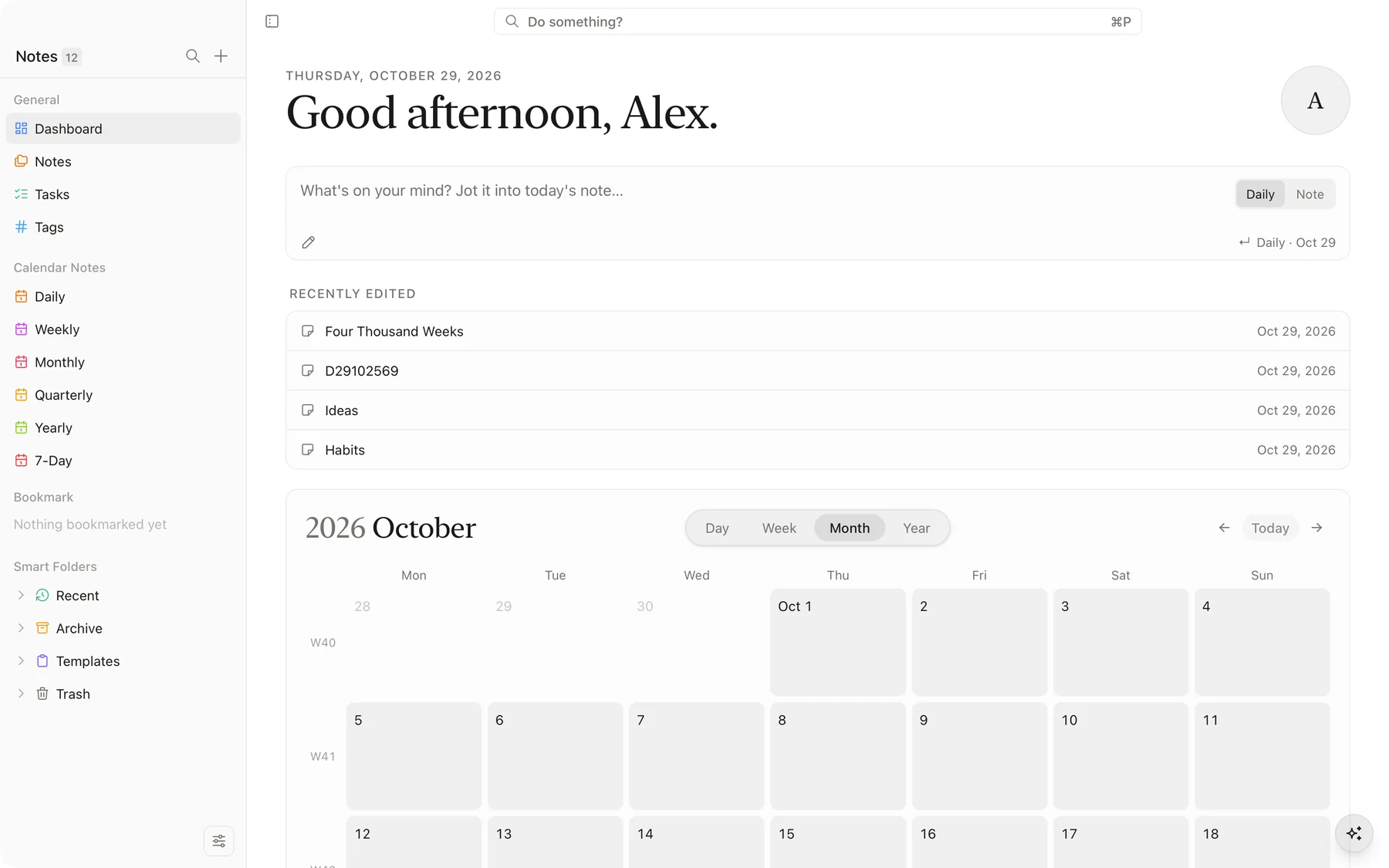
Morrow is a calm, offline-first notes app. Write in markdown, keep your tasks and daily pages in one place, and own every word — your notes live on your computer as plain files.
macOS · Windows · Linux
Plain markdown files
Every note is a .md file in a folder you choose. Open it anywhere, back it up any way, keep it forever.
Offline-first
No account, no server in the way. Morrow works the same on a plane as it does at your desk.
Fast and keyboard-first
Everything is a shortcut away, search is instant, and the app stays light even with thousands of notes.
Didn’t finish today?
Carry it over.
Write your day as a checklist in the daily note. When the day is done, Carry Over moves every unfinished task to tomorrow’s note — in one step, with nothing retyped.
October 29
Launch
Personal
October 30
Launch
Personal
Only what’s unfinished
Finished tasks stay behind. Open ones move — nested subtasks included.
Your structure, kept
Headings and nesting come along, so tomorrow’s note reads like today’s.
A link back to the day
Each carried task gets a small date badge — click it to jump back to where it started.
Run it from the command palette, by right-clicking Daily in the sidebar, or by right-clicking any day in the sidebar calendar.
A writing surface that gets out of the way.
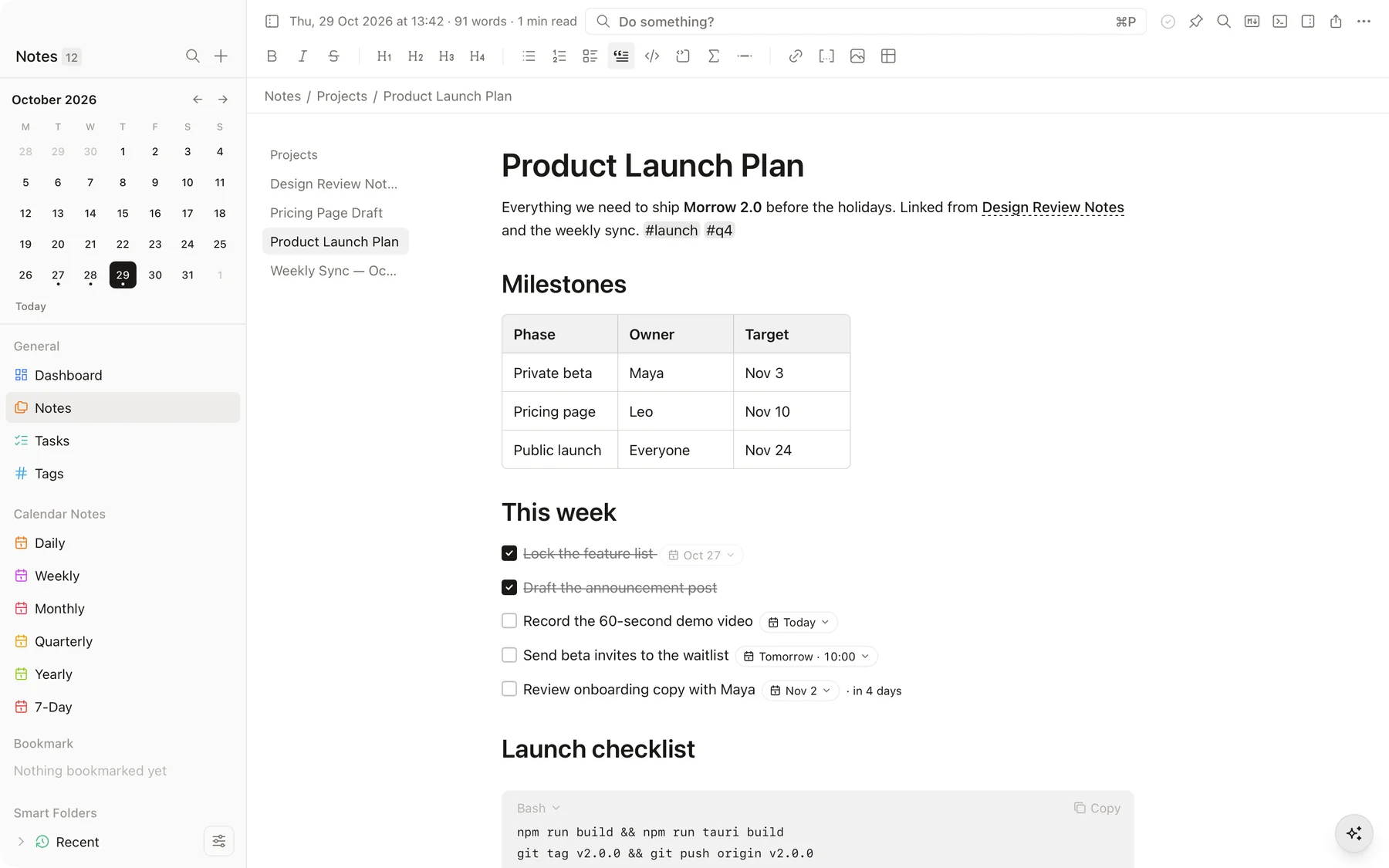
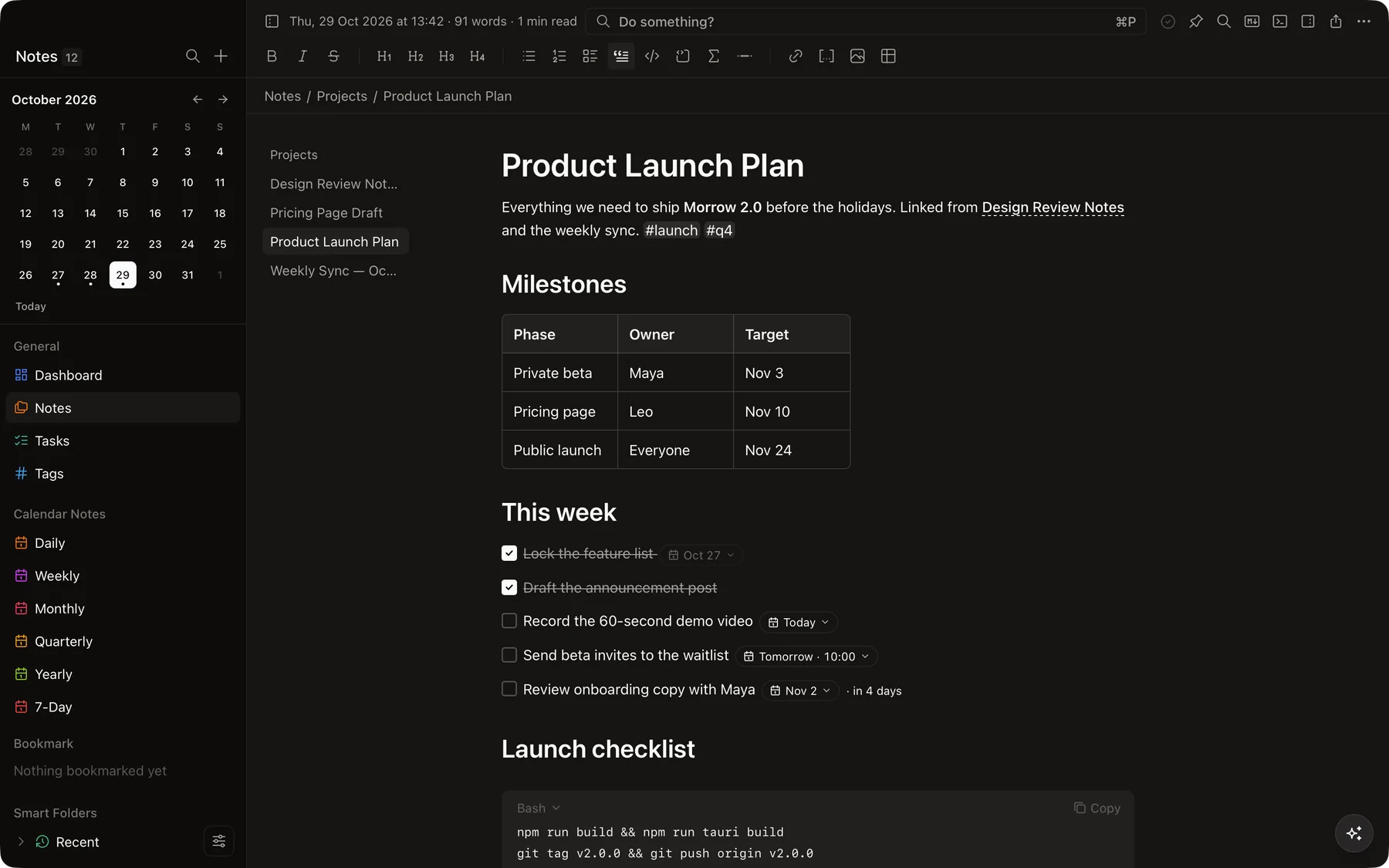
Type markdown and watch it become a clean, readable page — no preview pane, no clutter.
- Headings, tables, quotes and code with syntax highlighting
- Slash commands and drag handles on every block
[[Wikilinks]],#tagsand backlinks- Word count, reading time and version history
Tasks that live where you wrote them.
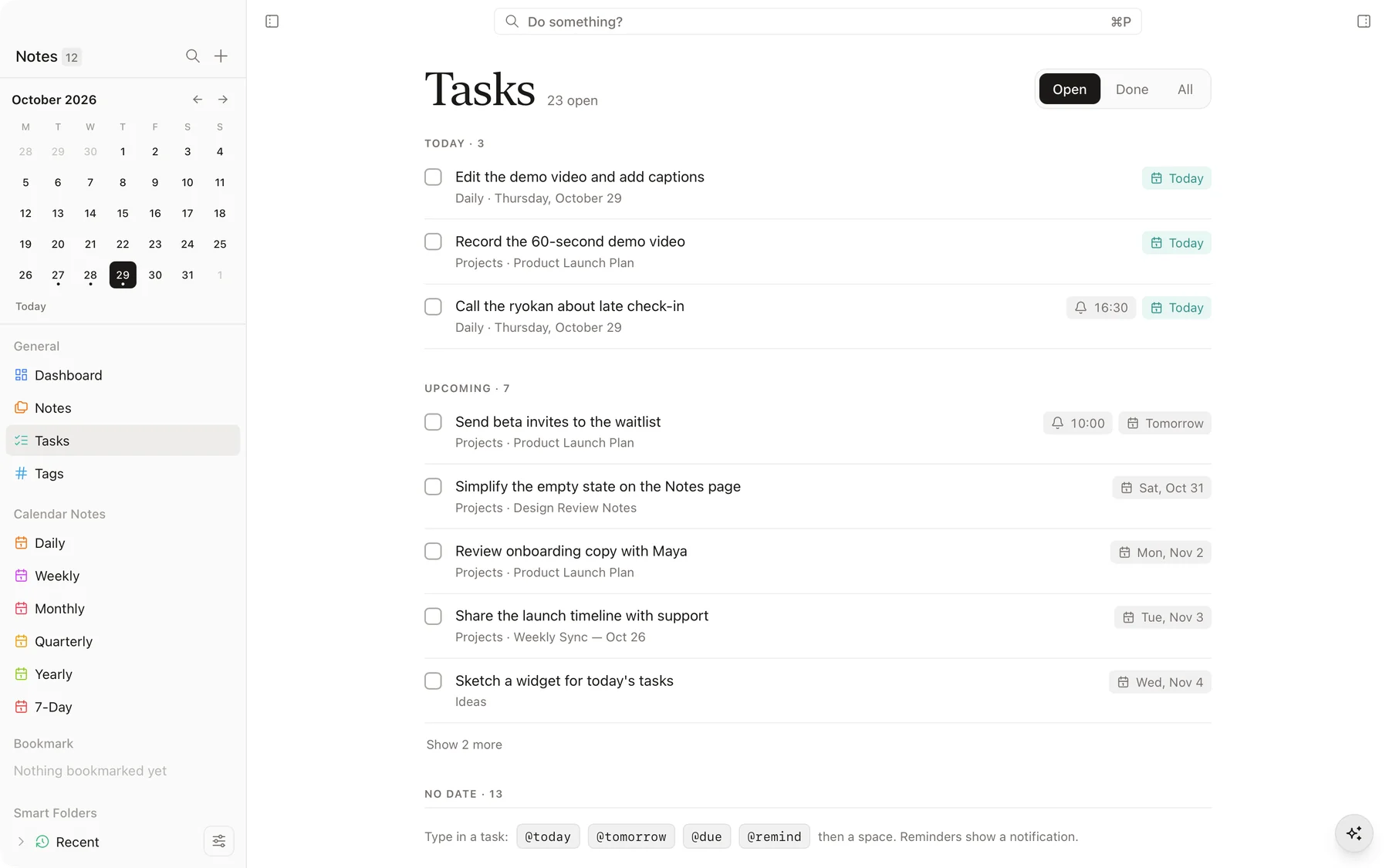
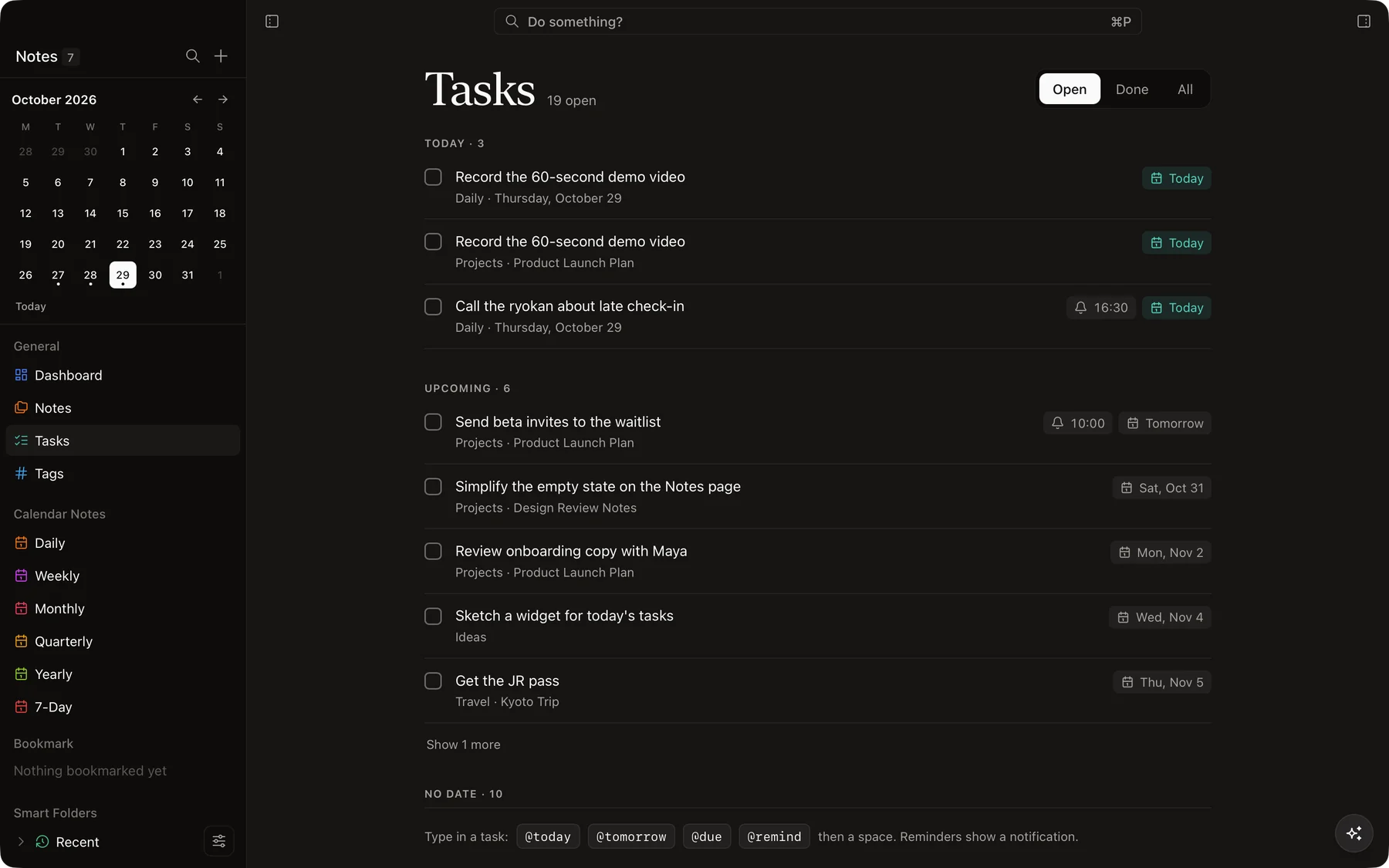
Any checkbox in any note shows up on one Tasks page, sorted into Today, Upcoming and the rest.
- Due dates and reminders right inside the line
- Type
@today,@tomorrowor@remindas you write - Unfinished tasks carry over to the next day
Every day gets a page of its own.
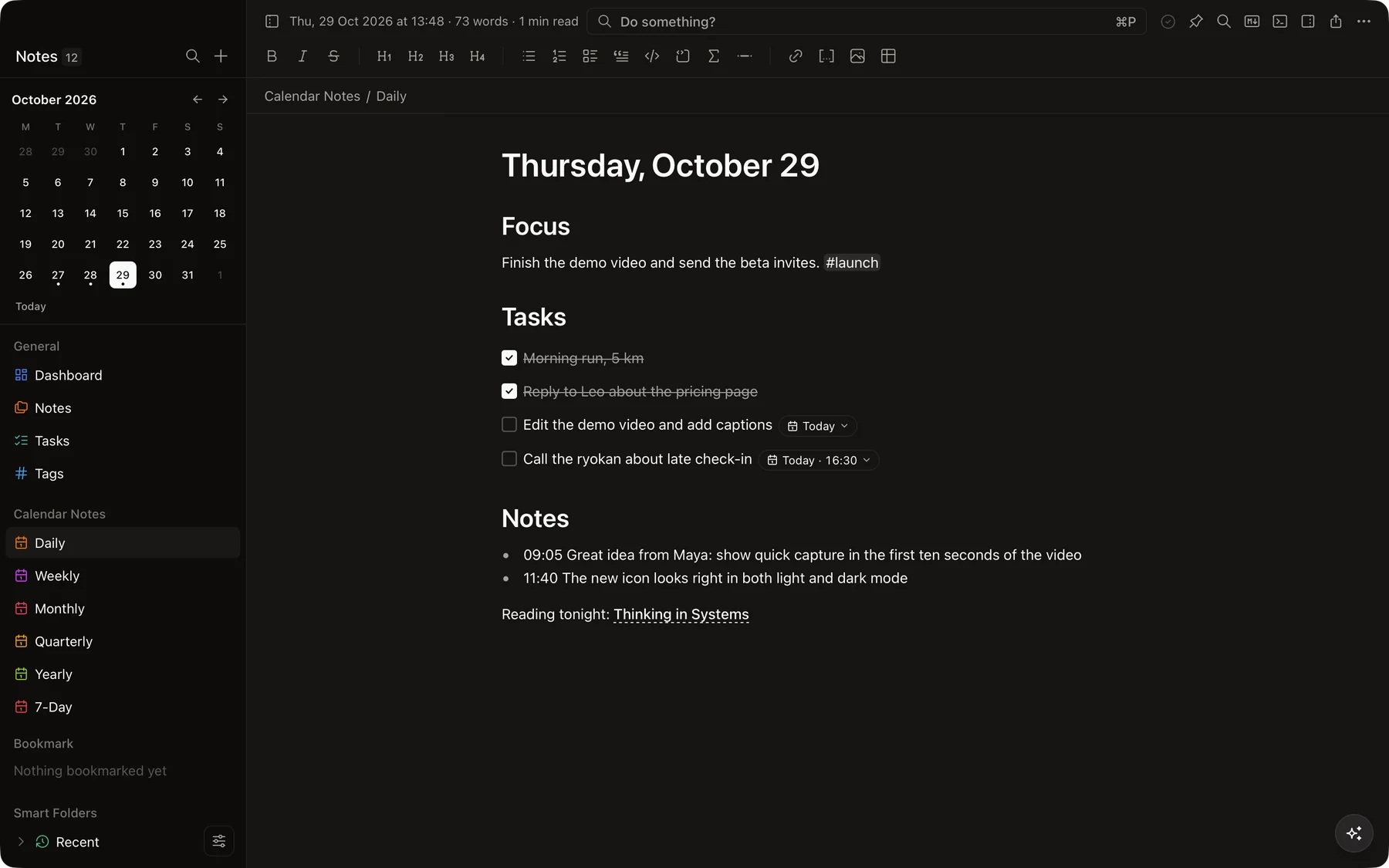
Open today’s note from anywhere and jot down what happens. Weekly, monthly, quarterly and yearly notes are one click away too.
- A calendar on the dashboard and in the sidebar
- Recently edited notes, front and center
- Connect your calendar to see events beside your notes
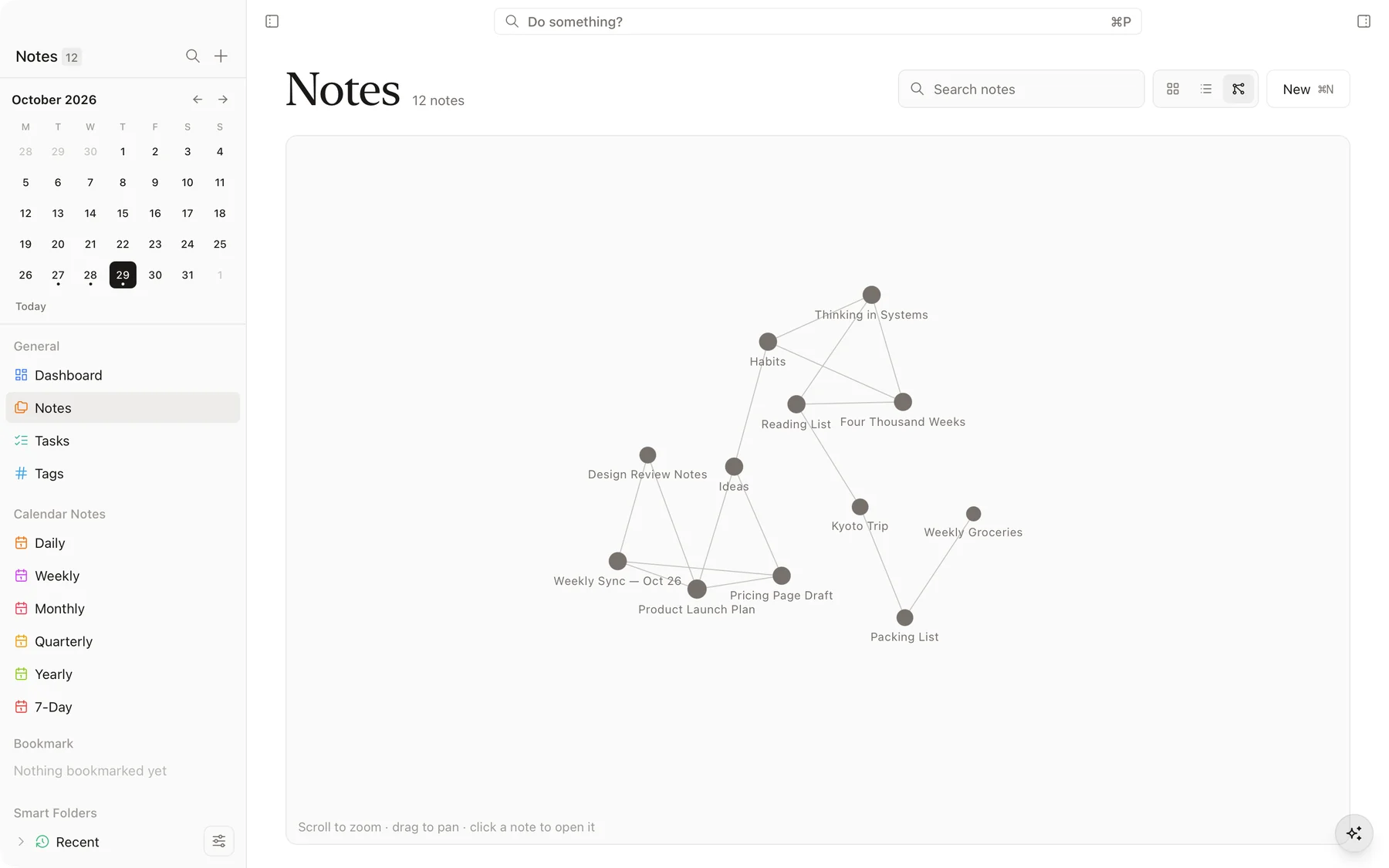
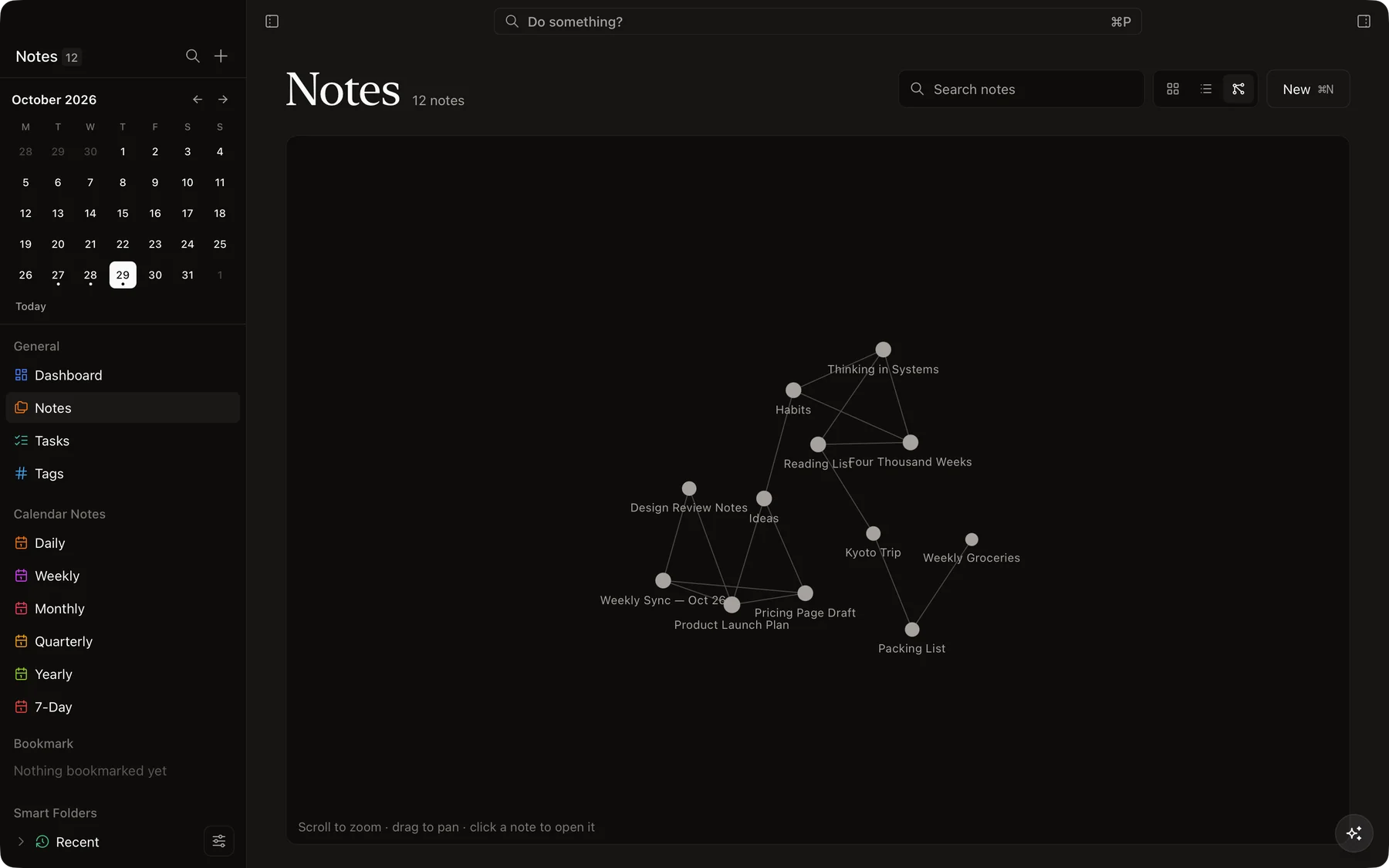
See how your ideas connect.
Link notes with [[double brackets]] and Morrow keeps track of the rest. Switch the Notes page to a graph to see your thinking at a glance.
- Grid, list and graph views of every folder
- Backlinks at the bottom of each note
- Pins, bookmarks, colors and drag-and-drop folders
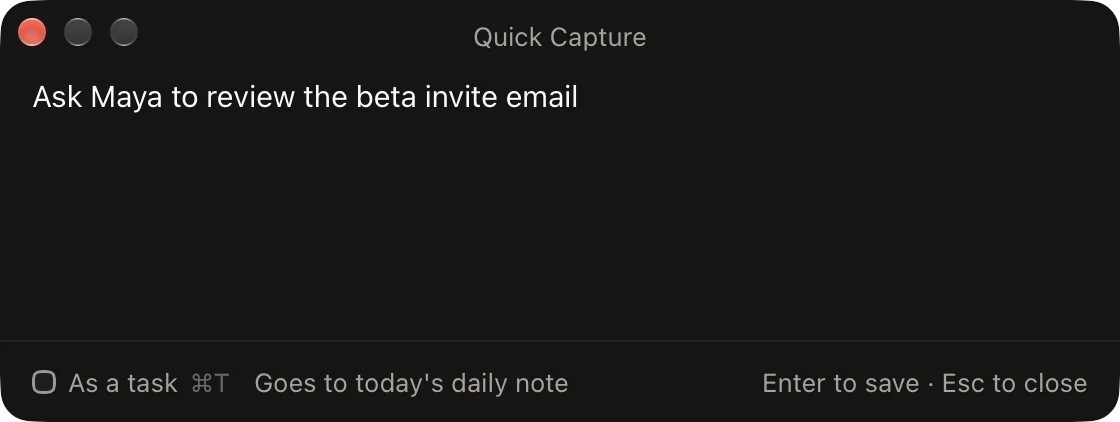
Quick Capture, from any app
Press ⌘⌥N anywhere to drop a thought into today’s note without leaving what you’re doing.
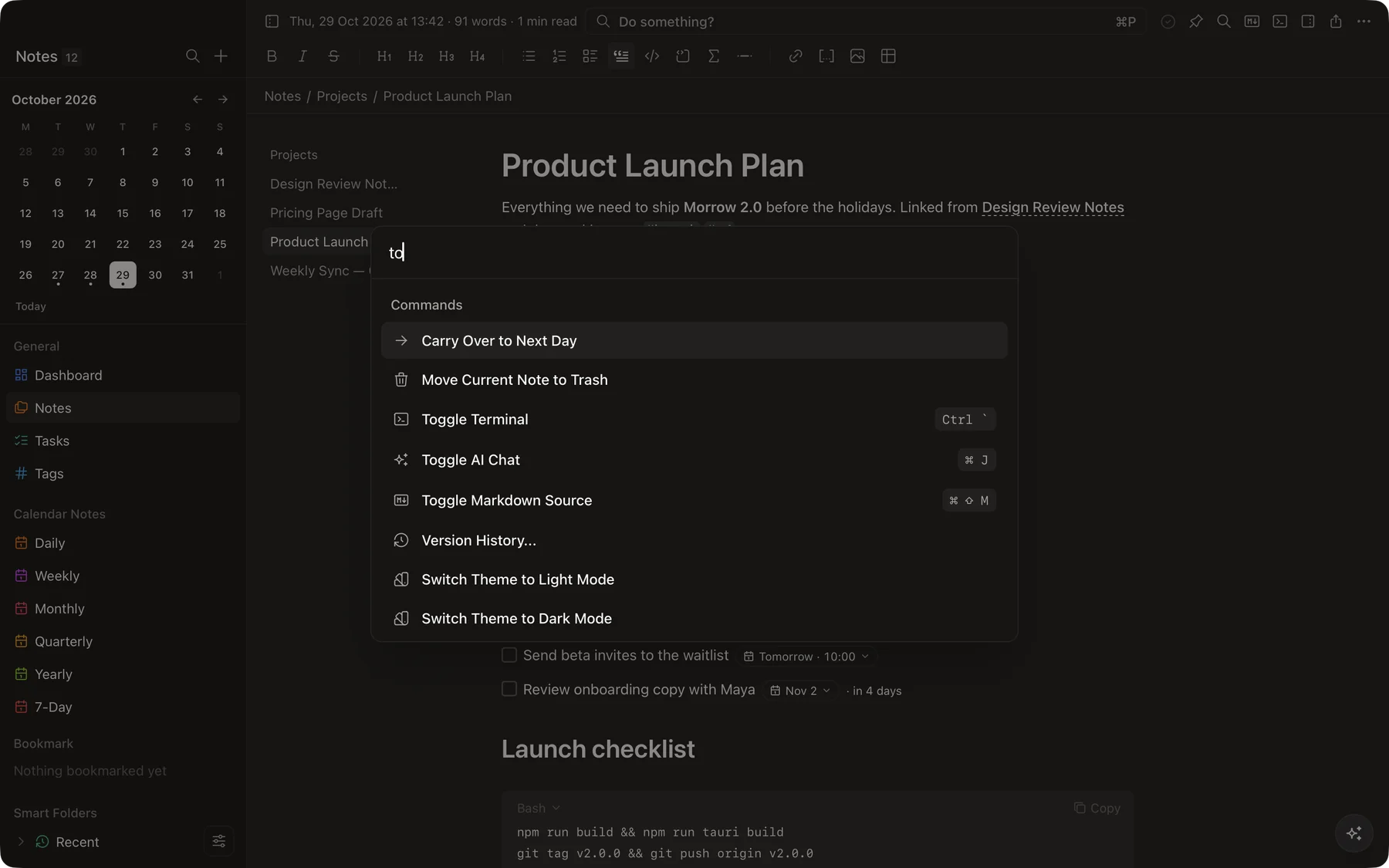
Do something?
The command palette ⌘P finds any note and runs any command — themes, focus mode, export and more.
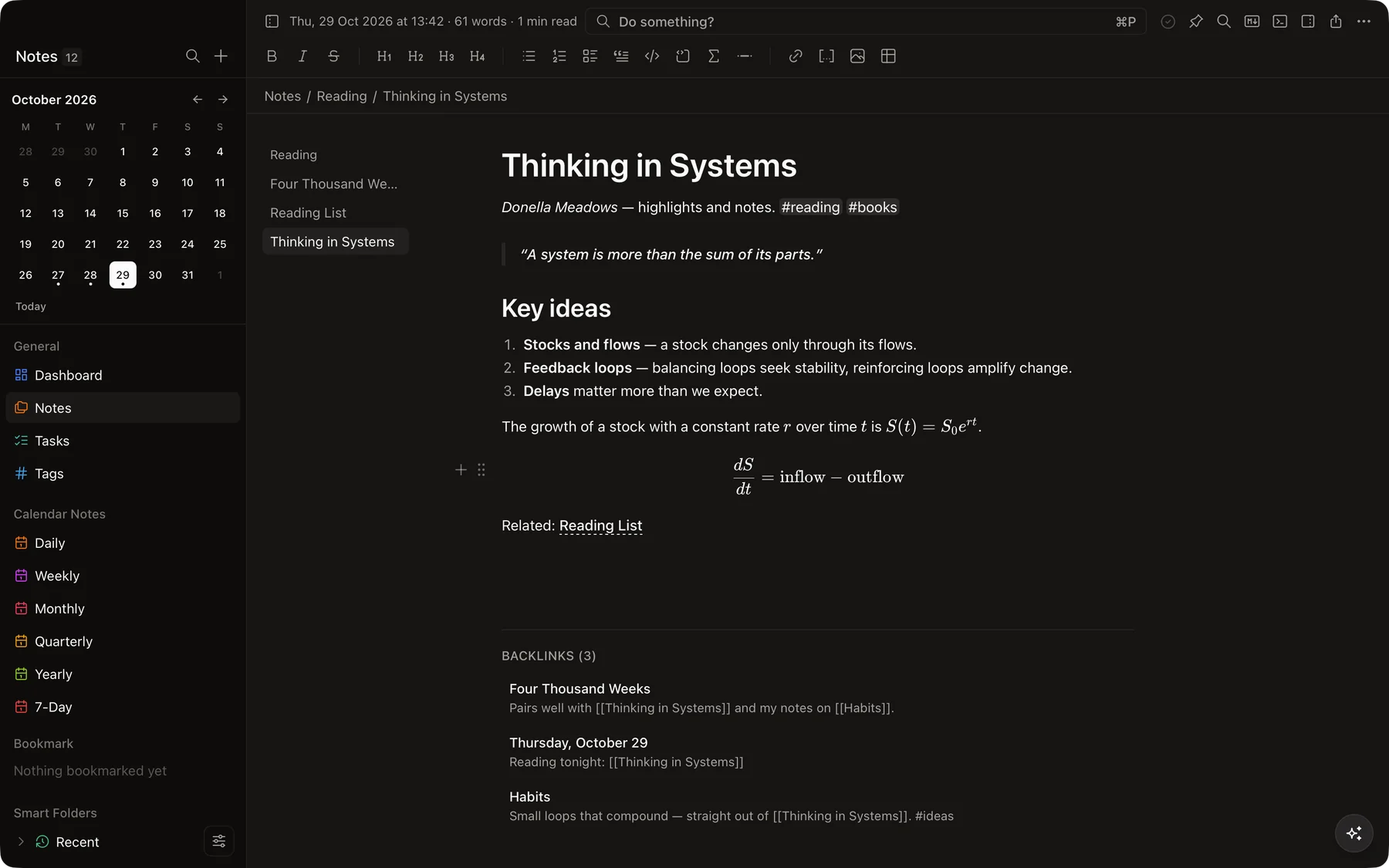
Math, beautifully set
Write $…$ for inline formulas and $$ blocks for equations, rendered as you type.
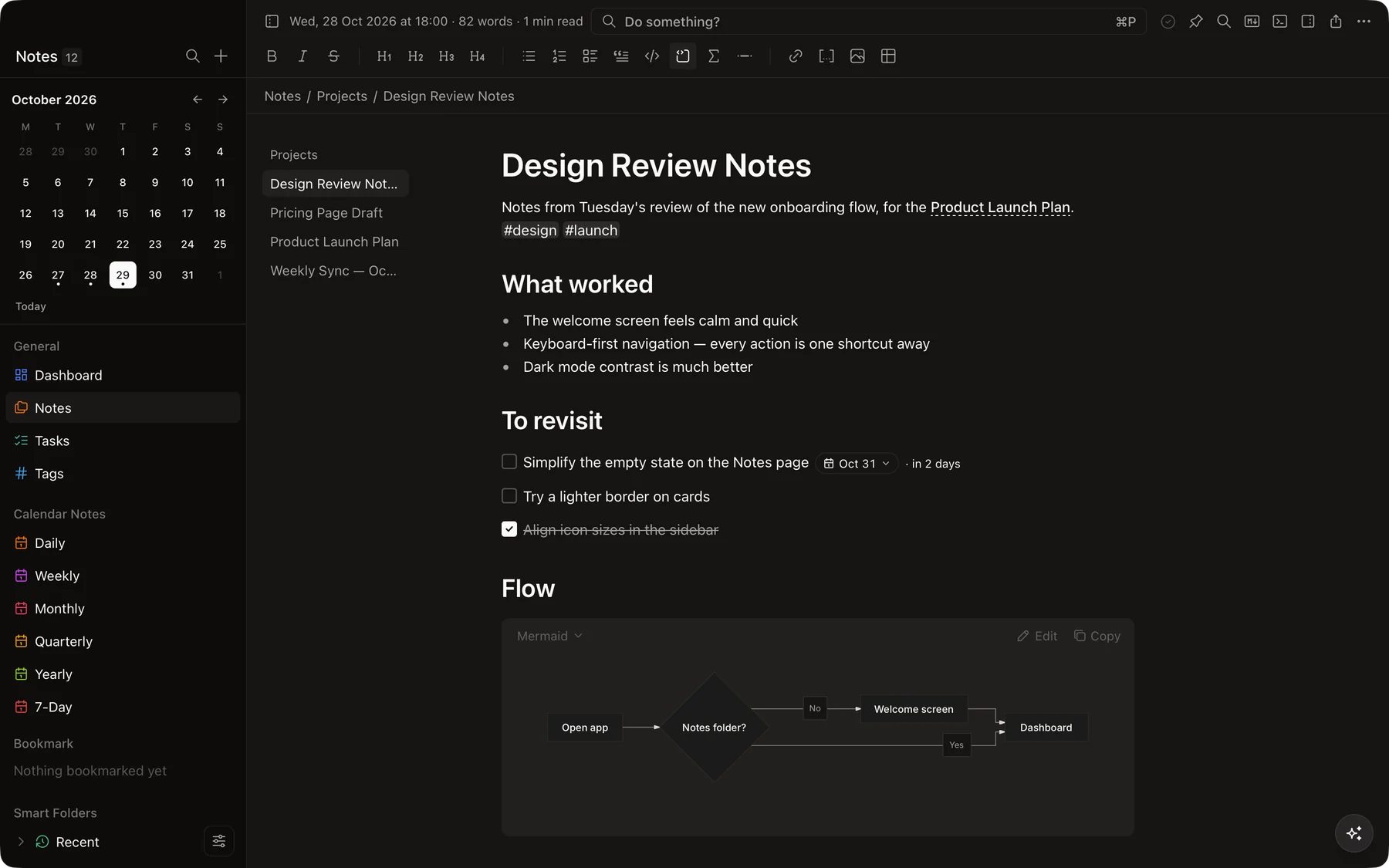
Diagrams from plain text
Mermaid code blocks turn into flowcharts and diagrams right inside the note.
Everything else you’d hope for.
Small touches that add up to a notes app you’ll want to open every day.
Full-text search
Find any word in any note instantly, from the top bar or the sidebar.
Version history
Look back at earlier versions of a note and bring one back.
Locked notes
Encrypt a note with a password so only you can read it.
Sync your way
Built-in Git integration, or any folder sync — with conflict copies kept safe.
Import & export
Bring notes in from Obsidian, Notion and Apple Notes. Export to HTML, Word or PDF.
Focus mode
Hide everything but the page when it’s time to write.
AI when you want it
Edit notes with Claude Code, Codex, OpenCode or Ollama, or chat with your notes.
Audio in notes
Record from the microphone or attach audio files to any note.
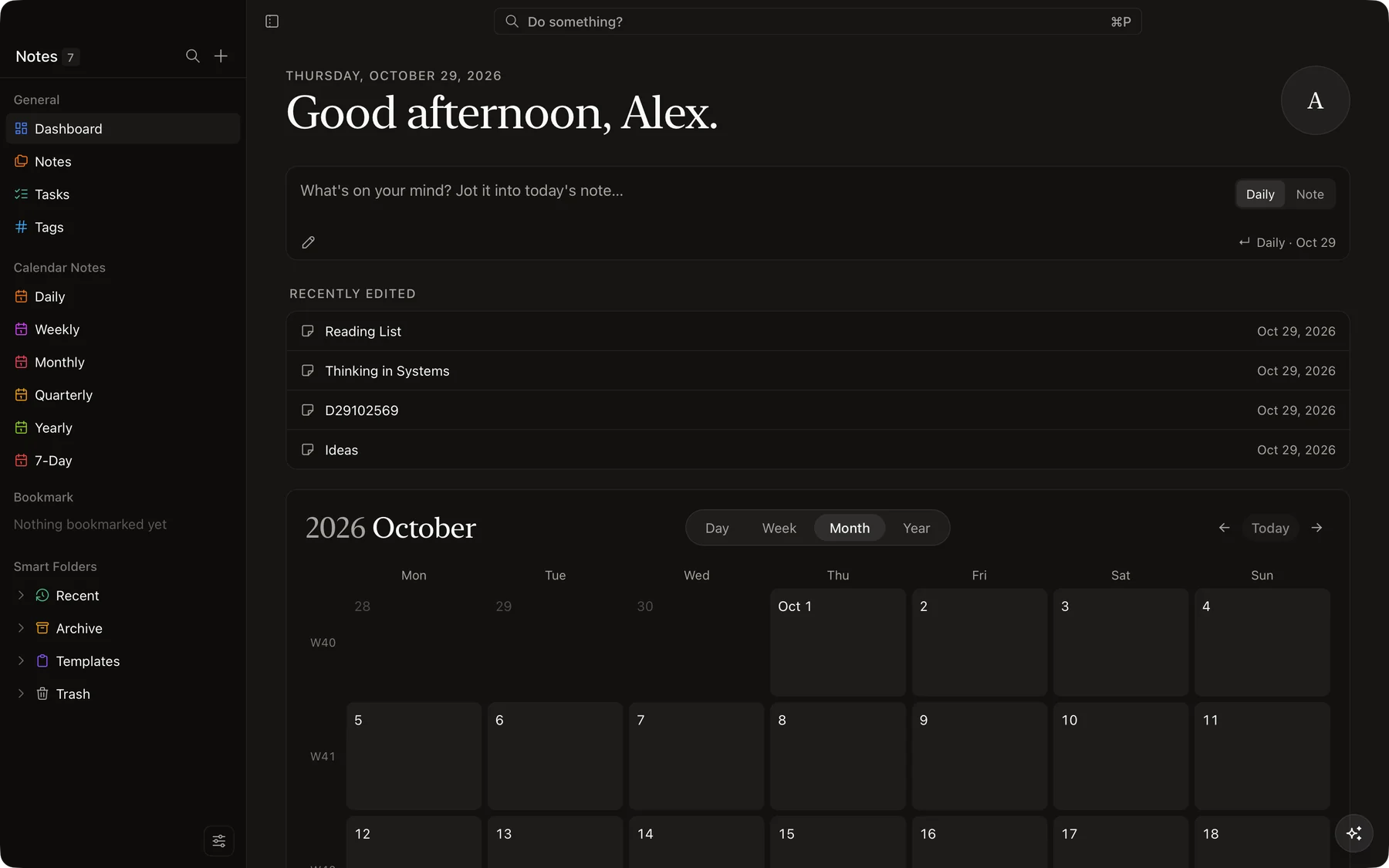
Light, dark & yours
Follows your system theme, with colors, fonts and page width you can tune.
Start writing in Morrow.
Free and open source under the MIT license. Get the latest release for macOS, Windows or Linux.